
Cutting the cord without a big bundle


Note: I’ve made this guide available with no ads or sponsors under a pay-what-you-can honor system. If someone shared this page with you, please consider purchasing a copy to support the work that went into creating this resource.
In 2025, standalone streaming services such as Netflix, Disney+, and Amazon Prime Video are the closest thing we have to a la carte TV.
Individually, they’re much cheaper than most pay TV packages, and they’re loaded with exclusive shows that you can’t even get on traditional cable channels. If you’re cutting the cord, you’ll almost certainly want to consider one or more of these services instead of or alongside a live TV streaming service.
This guide will focus on how to choose between these services, and how they can effectively replace a more expensive pay TV package. While you may not get everything you had with cable by going the a la carte route, you can also save a lot more money.
Choose your go-tos
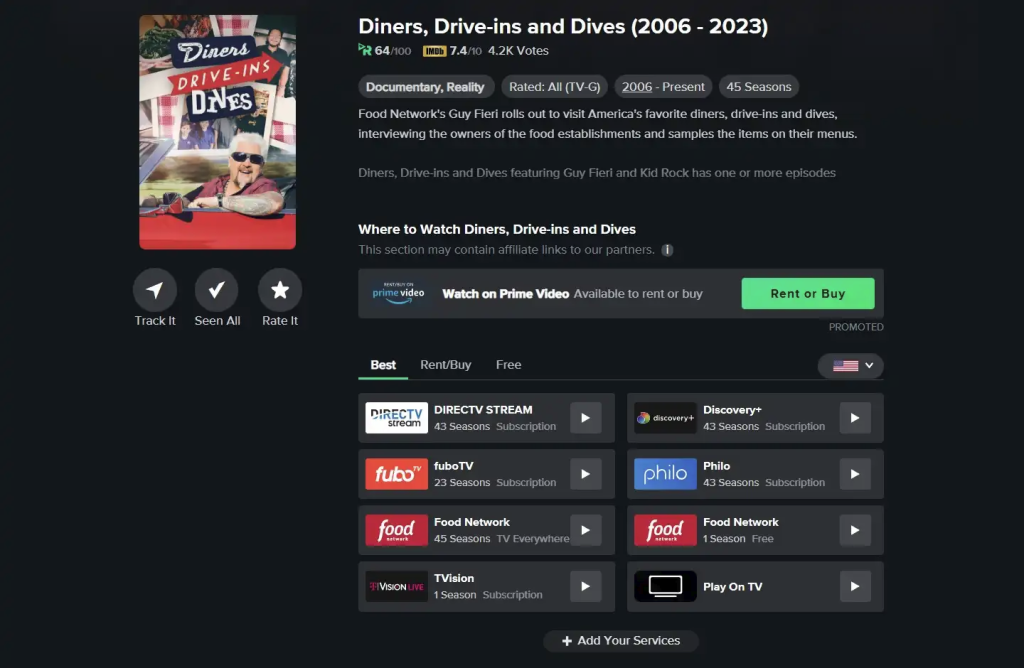
My advice is to pick one or two streaming services as your base—the ones you’ll generally rely on when you’re not sure what else to watch. These are the most notable options:
- Netflix: $8 per month with ads, $18 per month for ad-free in HD, $25 per month for 4K HDR.
- Disney Duo bundle: Disney+ and Hulu with ads for $11 per month, or no ads for $20 per month.
- Max: $10 per month with ads, $17 per month ad-free.
- The Disney-Max bundle: Includes Disney+, Hulu, and Max for $17 per month with ads or $30 per month without.
- Apple TV+: $11 per month, no ads.
- Amazon Prime: $15 per month or $140 per year for all Prime benefits, $9 per month for video-only.
Again, I don’t recommend subscribing to all of these at once. Start with a single service, then add and drop additional ones as needed—cancelling immediately after signing up to avoid automatic billing—until you’ve found the services you want to stick with. If you’re unsure where to start, you can try searching for them on or using the search feature on your streaming device.
Take advantage of free streaming services
As subscription services become pricier, free alternatives are becoming more popular, and can be a great way to supplement your main subscriptions. I’ve compiled a big list of free services to try in this guide.
Watch network TV on demand
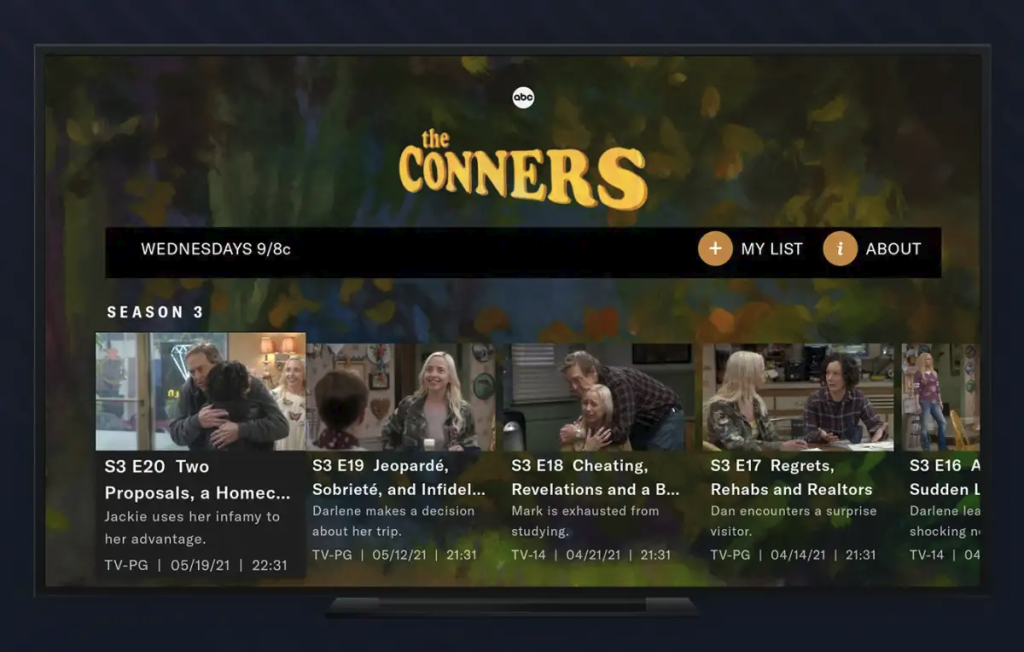
The major networks don’t publicize this much, but many of their recent shows are available for free on demand, even on streaming devices such as Roku and Fire TV. You can also subscribe to their paid streaming services to get a larger on-demand library and—for a higher price—no ads:
- ABC: Use the free ABC website, or get Hulu starting at $8 per month.
- CBS: Use the free CBS app, or get Paramount+ starting at $8 per month (but potentially obtainable for free).
- NBC: Use the free NBC app, or get Peacock starting at $6 per month.
- Fox: Watch on Fox’s website, or get Hulu starting at $8 per month.
- PBS: Free shows are available through the app, with a live stream in many markets.
While you can’t currently get ABC or Fox live streams without a big TV bundle, Peacock’s $14-per-month tier also includes a live local NBC feed, while the $13-per-month Paramount+ tier includes local CBS.
Get your news elsewhere
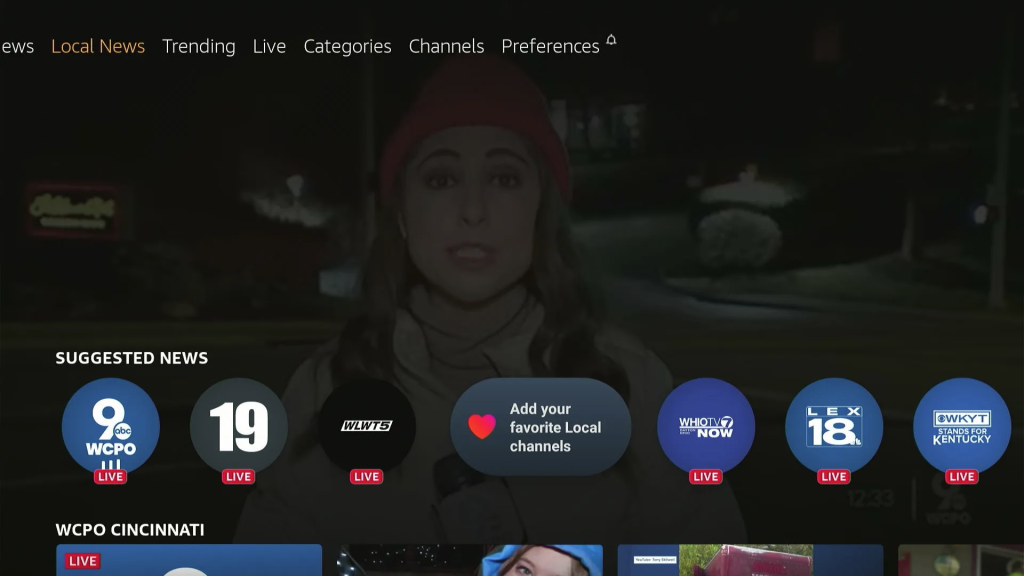
At present, the major cable news channels—CNN, Fox News, and MSNBC—still require a big pay TV bundle, but the unbundled life still offers plenty of streaming news sources:
- Local news: Many local stations offer their newscasts for free if you know where to look. Check out NewsOn, Zeam, Local Now, Haystack News, or your local station’s own website. You’ll also find local news via Tubi, the Roku Channel, and Amazon’s Fire TV News app.
- National and international news: Pluto TV, Tubi, Roku Channel, Xumo, Sling TV Freestream, and Plex all offer round-the-clock streaming news channels, even from major networks such as CBS and NBC. That may scratch the background TV itch you’d otherwise get from cable news.
Purchase individual shows as needed
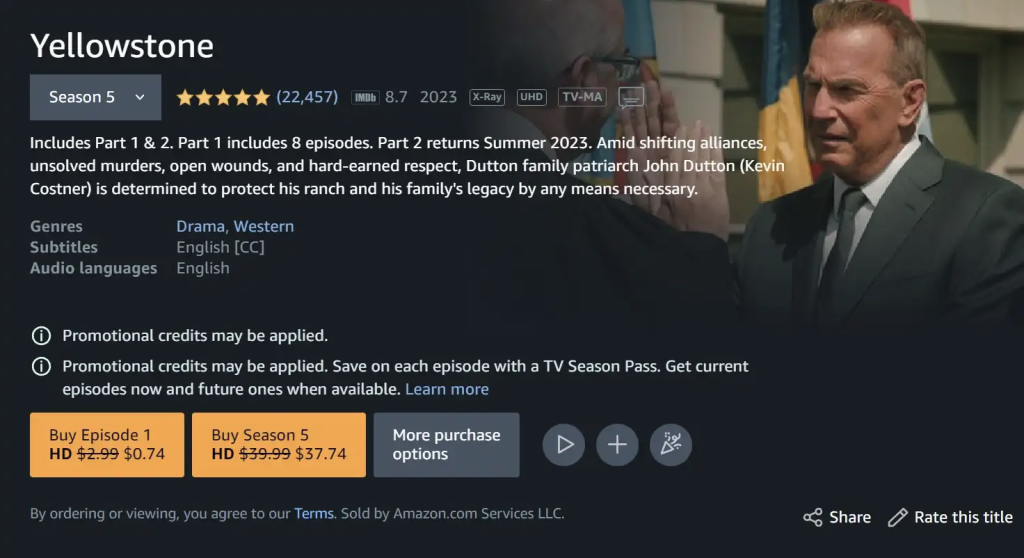
For the rare instances in which a new show only airs on a cable channel, you can usually buy episodes a la carte from stores such as Amazon Video, Fandango, or Apple TV. While you shouldn’t do this for every cable TV show—and a growing number of shows are skipping cable entirely—it’s still worth considering for the ones you care about most.
Yellowstone is a great example. While seasons one through four are streaming on Peacock, the current season airs on Paramount’s cable channel (and no, you can’t stream it on Paramount+). Instead of waiting for season five to arrive on Peacock, you can buy the season a la carte and watch each episode the day after it airs on cable.
What about sports?
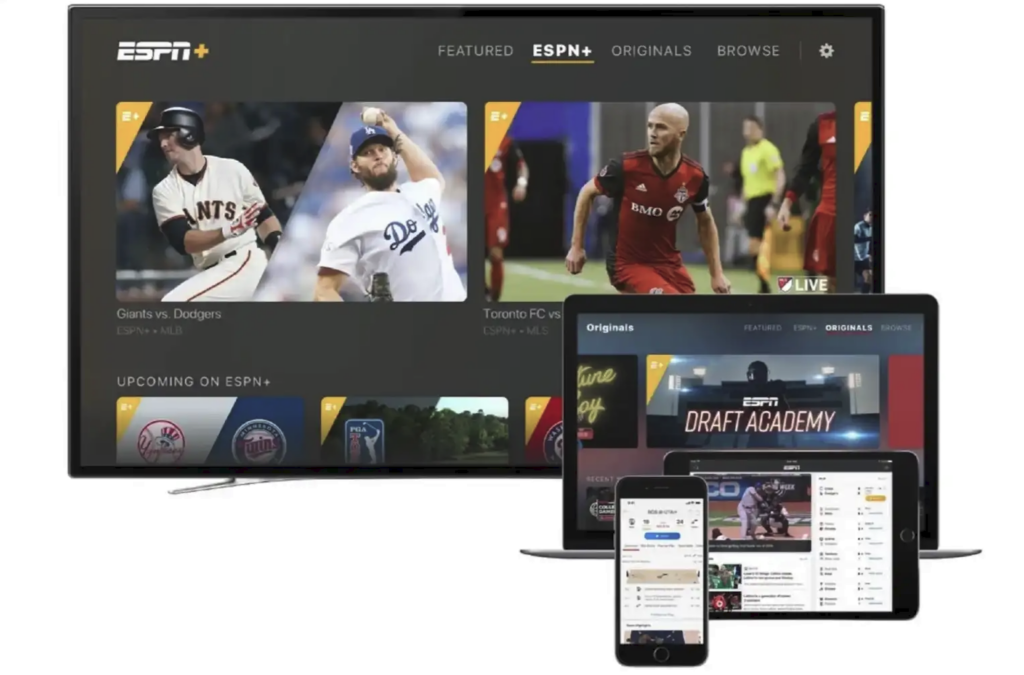
Watching major sporting events without a pay TV package is still tricky. If you’re looking to stream ESPN, FS1, ABC, Fox, SEC Network, or most other non-local channels that carry live sports, you’ll probably need a live TV streaming service.
The situation is changing, albeit slowly:
- Max provides all the same sports coverage carried on TNT and TBS in its $17 per month ad-free tier.
- Most regional sports networks are now available a la carte. See the options for MLB, NBA, and NHL coverage.
- ESPN and Fox plan to launch standalone streaming options later in 2025.
- The ad-free tiers of Peacock ($14 per month) and Paramount+ ($13 per month) offer access to NBC and CBS, respectively.
- Major streamers such as Netflix, Amazon Prime, and Apple TV+ are hosting a growing amount of live sports coverage on their own.
- League-specific services such as MLB TV and NBA League Pass also stream out-of-market games, so they’re great options if you live far away from your favorite team. Same goes with ESPN+, which carries out-of-market hockey and other assorted sports coverage.
Adding all these services up will be more expensive than choosing a live TV streaming service in many cases. For sports fans, going the unbundled route will only make sense if your interests are fairly narrow, and you can dip in and out of different services throughout the year.
What about DVR?
If you abandon your streaming TV bundle, you’ll likely have to live without a DVR in the cloud. Services such as Netflix and Disney+ only stream video on demand, and those with live “channels,” such as Peacock and Pluto TV, don’t allow you to record their shows.
Some workarounds do exist, such as PlayOn and Channels DVR, but setting them up requires some technical know-how and additional expense.
What about an antenna?
An antenna can be a valuable supplement to the options above, at least if you’re in an area with strong over-the-air reception. The next section of this guide has all the details: