
Fire TV screensaver ads, Apple TV+ price hike

This week on TechHive: Hiding Fire TV screensaver ads
While most streaming devices display artwork and photos when you’re not using them, Amazon has found a more lucrative use for that screen space.
With “Sponsored Screensavers,” Amazon starts showing full-screen banner ads whenever your Fire TV goes idle. On the new Fire TV Stick 4K that I’m testing, new ads appear every 30 seconds for about 15 minutes before the device goes into sleep mode.
The Fire TV interface is already heavy on banner ads and self-promotion to begin with, and turning TVs into billboards just adds to the annoyance. But if you’re sufficiently bothered, there are some steps you can take to dial back the Fire TV’s screensaver ads–or even hide them entirely.
Read the full column on TechHive →
Weekly rewind
Apple TV+ price hike: Another week, another streaming service raising prices. This time it’s Apple TV+, which now costs $10 per month or $99 per year, up from $7 per month or $69 per year previously. (The price of Apple Arcade, Apple News+, and Apple One subscription bundles are all increasing as well.)
Apple TV+ only cost $5 per month when it launched nearly four years ago, but only had nine original series at the time. It’s bulked up on original programming since then as it tries to fashion itself as a kind of modern HBO, though its limited back catalog makes it a prime seasonal add-and-drop candidate. (Apple seems to be cracking down on endless multi-month trials through Best Buy and Target, but those are still worth trying if you haven’t.)
Fire TV storage saver: In other Fire TV news, Amazon has launched an Auto Offload feature that clears data from your least-used apps when storage space runs low. The apps will still appear in your menu, and will simply redownload the data they need when you launch them. It’s a much-requested feature given that most Fire TV devices only have about 5 GB of usable storage, and it’s similar to how Roku and Apple TV devices already operate.
The feature should be on by default, but you can disable it under Settings > My Fire TV > About > Storage > Auto Offload.
Fire TV Stick 4K Max review: Okay, so here’s a funny thing. Last week, I turned in my Fire TV Stick 4K Max review for TechHive, and concluded that storage is its standout feature. Unlike Amazon’s cheaper streamers, the $55 Max has 16 GB of storage, which is plenty unless you’re installing games on it.
The aforementioned Auto Offload makes the extra space less of a necessity. But as I’ve moved onto testing the $50 Fire TV Stick 4K—and noticed its barrage of screensaver ads—I’ve now gained a greater appreciation for the Max’s ad-free screensaver mode, which Amazon calls the “Ambient Experience.” Anyway, here’s the full review.
More catch-up
- YouTube TV improves bitrates and brings surround sound to ESPN channels.
- Vidgo has been down for almost a month now.
- Rumor: Apple will redesign the Apple TV app in December.
- More streaming services are cramming ads into their pause screens.
Save more money
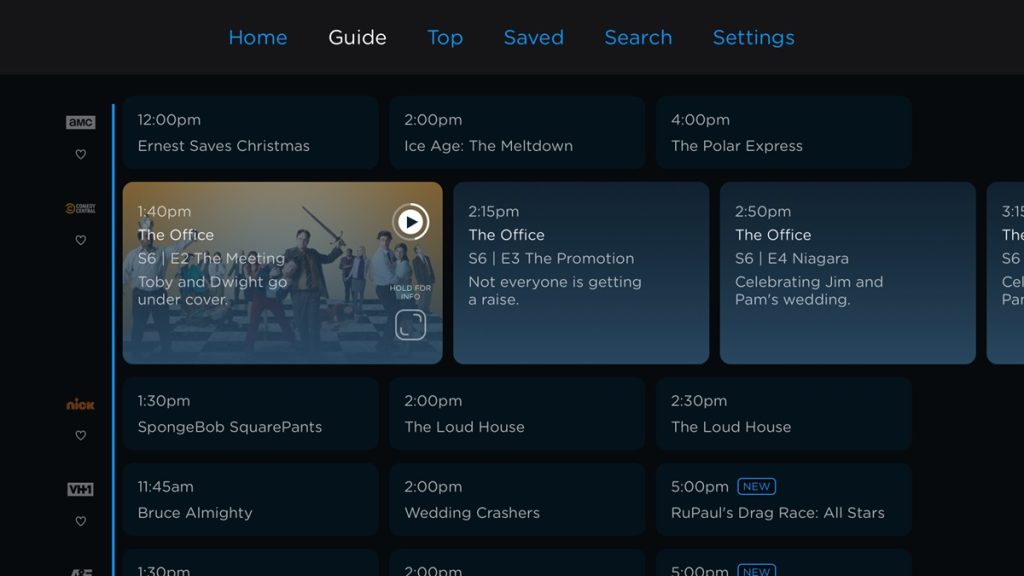
New Philo subscribers can currently get their first month for $12.50—half off the usual price—but using the promo code DECKTHEHALLMARK23. With Philo, you get a bundle of entertainment channels such as AMC, Discovery, and Paramount Network. It doesn’t carry any local broadcast or sports channels, which is why it’s much cheaper than other live TV streaming services such as YouTube TV and Hulu + Live TV. Read my review from earlier this year for more details.
Other notable deals:
- You can still freak yourself out with a 30-day Shudder trial using promo code HORRORHOUND.
- The latest Paramount+ codes are INK, MILLIVANILLI, or FRASIER. Learn how to get it for free.
- See more ways to save on the Cord Cutter Weekly website.
Thanks for reading!
I’m always happy to hear your feedback, questions, and comments! Get in touch by replying to this email.
Until next week,
Jared