Spectrum’s secret baseball streams

Of all the tricks I’ve written about for lowering your streaming TV bill, this one involving Spectrum and regional Bally Sports networks is the strangest.

Of all the tricks I’ve written about for lowering your streaming TV bill, this one involving Spectrum and regional Bally Sports networks is the strangest.

Sites like Walmart and eBay prominently advertise “long-range” indoor antennas that supposedly pick up broadcasts from thousands of miles away. Antenna experts say that in reality, even the best outdoor directional antennas have reception of 70 miles at best.

Can’t use an antenna? The good news is that you don’t have to pay upwards of $65 per month just to watch local network shows. The bad news is that you’ll need to work a bit harder to get them.
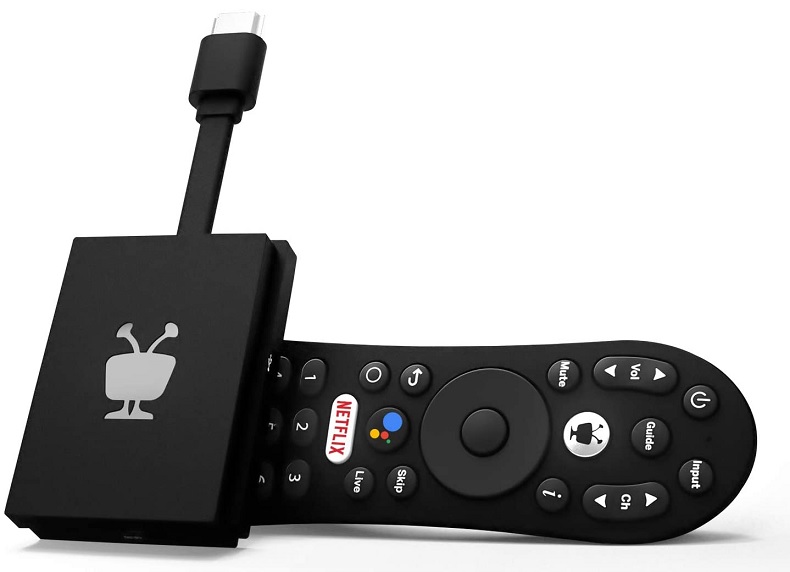
Of all the streaming devices I’ve used, TiVo’s $40 dongle does the best job of sorting through streaming services.
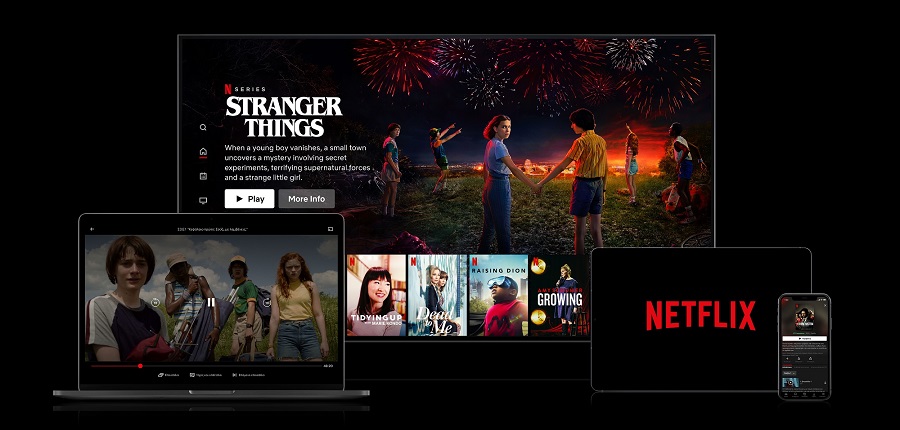
Price hikes have consequences in a market with no shortage of other options, and Netflix can’t keep relying on them like it used to.
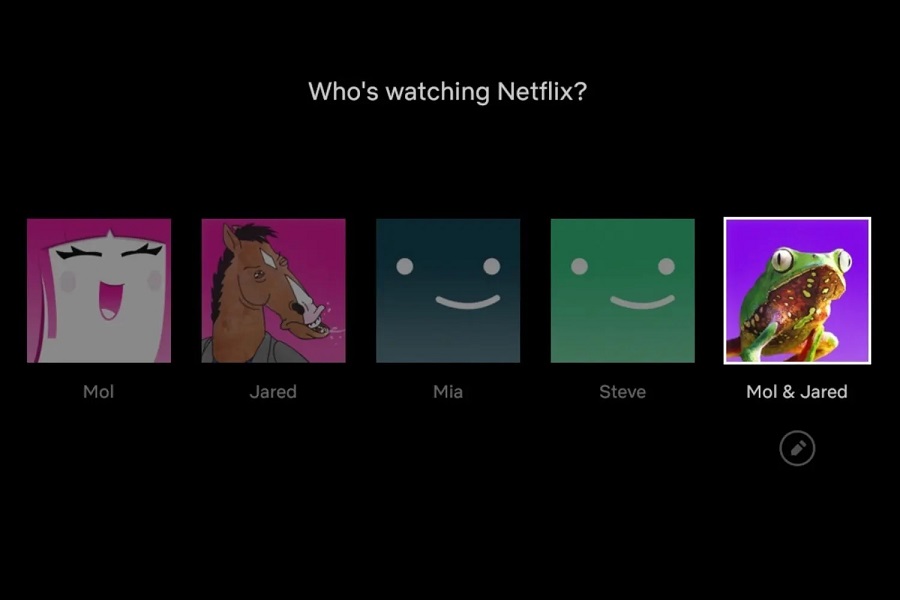
Crafty workarounds for those who feel like they’re in an algorithmic rut.

A lot’s changed since I started writing about cord-cutting in 2014, but one thing remains constant: The TV industry doesn’t make it easy.
MLB TV is charging a record-high price of $140 this season, but you can pay a lot less for out-of-market baseball with a crafty workaround.
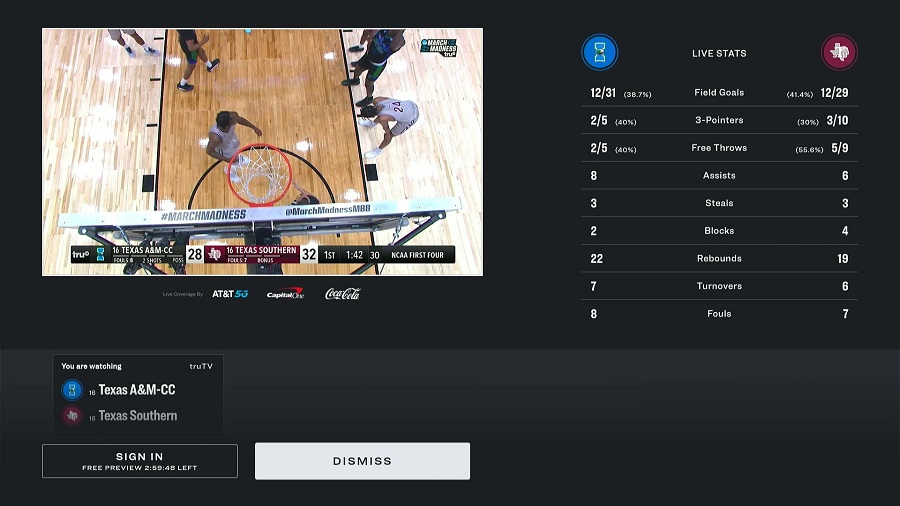
If you’re willing to jump through some hoops, you can watch much of March Madness—possibly even every game—for free.
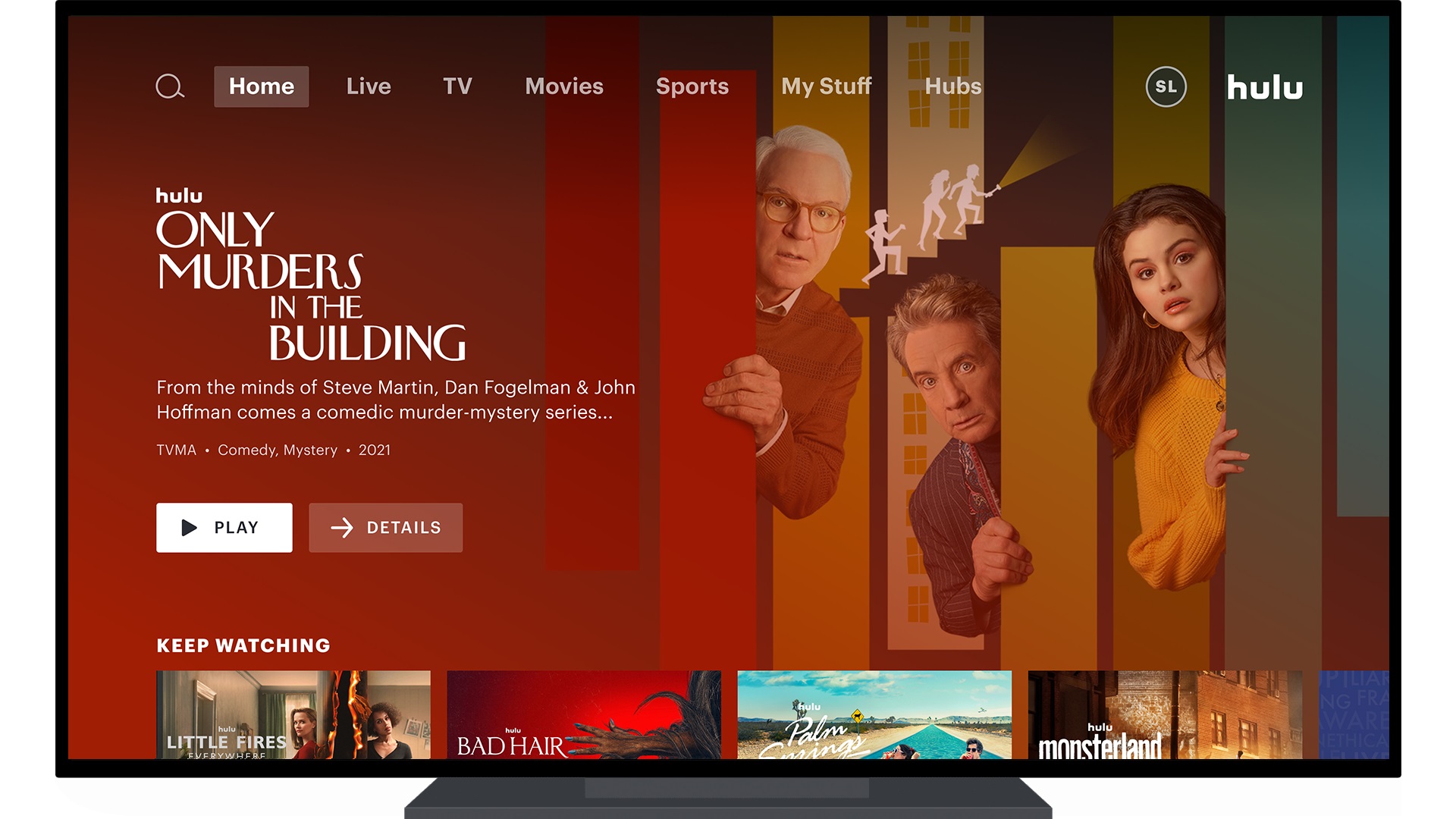
It’s not unusual for shows to migrate between streaming services, especially now that so many cable networks have their own. Still, losing new NBC shows marks the end of an era for Hulu, whose next-day major network programming has always been its defining feature.